Find the classroom
Keep the school, wing, and room with a reported issue so the technician starts in the right place.
In practiceA lighting repair in Science Wing, Room 204.
Buildings & equipmentCMMS for Education
Classroom requests, campus equipment, and recurring safety checks compete for the same team’s time. HeadCount connects room locations, work orders, preventive maintenance, and inspection records across schools and campuses.
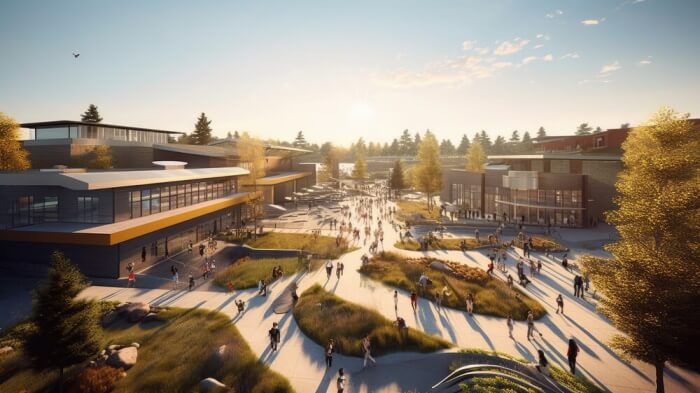
Before the first bell
07:15
Classrooms
Opening checks
Science wing
Opening checks
Gymnasium
Opening checks
A route for the spaces students will use.
07:15 / The campus wakes up
Keep the school, wing, and room with a reported issue so the technician starts in the right place.
In practiceA lighting repair in Science Wing, Room 204.
Buildings & equipmentOrganize fire-safety and accessibility checks around your campus requirements, with findings and follow-up work in one place.
In practiceFire alarms, extinguishers, emergency lighting, and accessible entrances.
Campus inspectionsSet recurring maintenance for campus equipment and give technicians the location, instructions, and checklist on mobile.
In practiceAir-handler filter changes, boiler service, and lab-equipment checks.
Preventive maintenance02 / Campus maintenance
Capture the school, room, and issue in a work order. Assign it to your maintenance team and record the repair, so the request and the outcome stay together.
Explore work ordersAlarms, extinguishers & emergency lighting
Schedule checks around applicable NFPA requirements and keep findings and corrective work available for fire-marshal reviews.
Entrances, routes & shared facilities
Give ADA-related maintenance requests a school and room location, an owner, and a record of the completed repair.
Classrooms, labs & workshops
Configure forms for room conditions, lab-equipment checks, and the facilities routines your school requires.
Inspection results & completed forms
Review reports by building, equipment type, or cycle. Export completed forms for district and health-department reviews.
The places behind the work
Education
03 / More than one job
Classrooms, labs, and shared buildings need different routines. Tailor digital checklists to each area and keep completed work and inspection reports available for district reviews, fire marshals, and health departments.
04 / A few practical questions
Organize buildings, equipment, and maintenance work across multiple facilities, with location details kept alongside each task. Multi-facility management is available with Enterprise.
Set schedules and forms for applicable National Fire Protection Association (NFPA) fire-safety requirements, Americans with Disabilities Act (ADA) accessibility features, and local health-department checks. Your facilities team defines the requirements and intervals for each school.
Configure forms for classroom conditions, lab-equipment checks, and other campus routines. Staff can complete work on mobile and export completed forms as PDF records. Inspection reports can be reviewed by building, equipment type, and cycle.
Built around your team