

Safety equipment
Manage inspections for fire extinguishers, emergency lights, alarms, sprinkler systems, and other equipment.
HEADCOUNT / Compliance
Keep inspections, corrective work, and supporting records connected. Give your team a clearer path from the next check to the next review.
EVERY CHECK HAS A FOLLOW-THROUGH.
The check, the correction, and the evidence.
Workflow: Know what needs a check. Connect a finding to action. Ready for the next review.INSPECTIONS ARE ONLY THE START
Know what needs inspecting, where it is, and what happened next. HeadCount connects the schedule, field results, corrective work, and reports.
Swipe to explore
Overview
Dashboards
See inspection status across facilities, then open the asset and inspection details behind it.
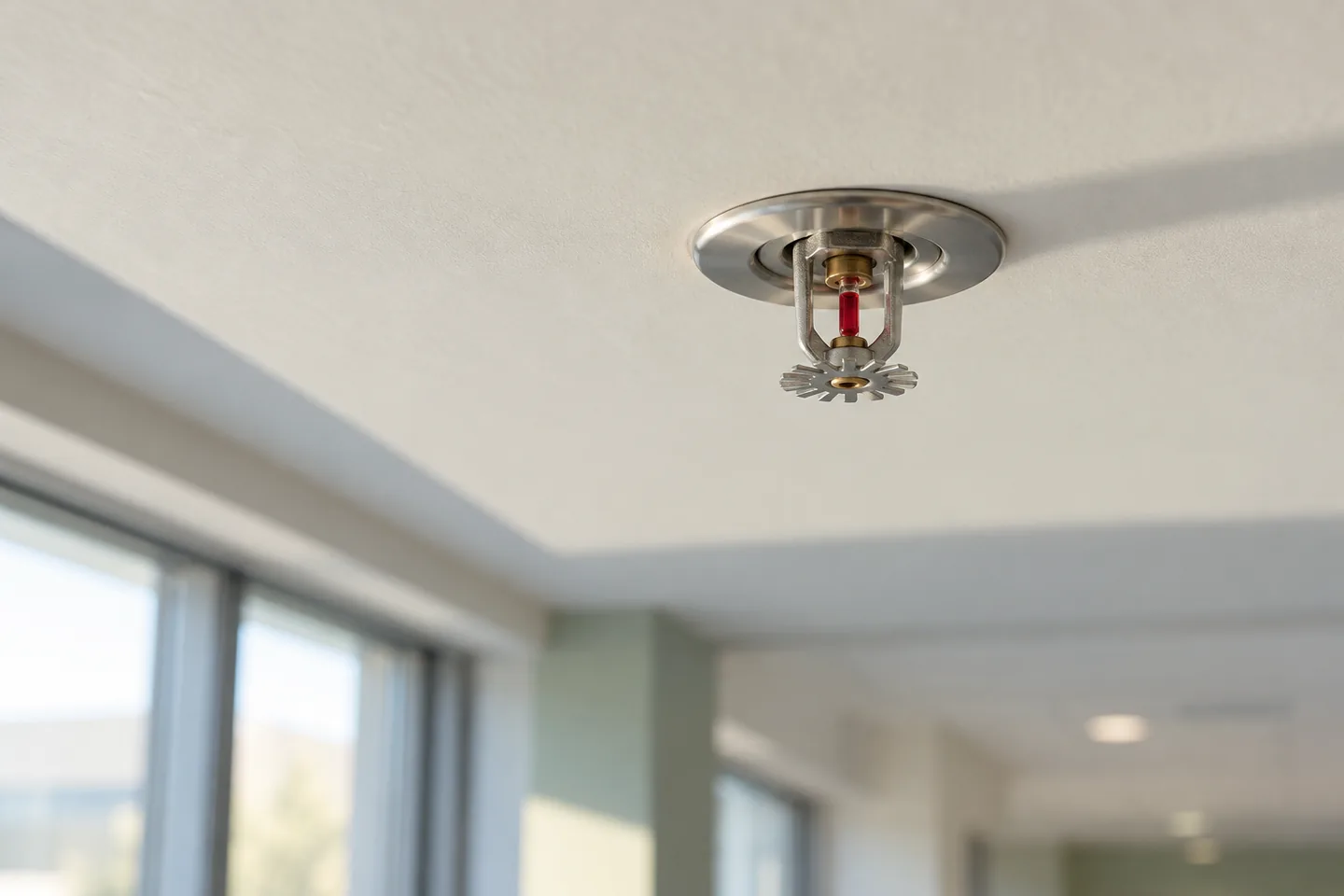
Confidence starts at the device
Example: Find the gap in the cycle. Follow up on the open check. Keep the inspection record clear. Device status updated.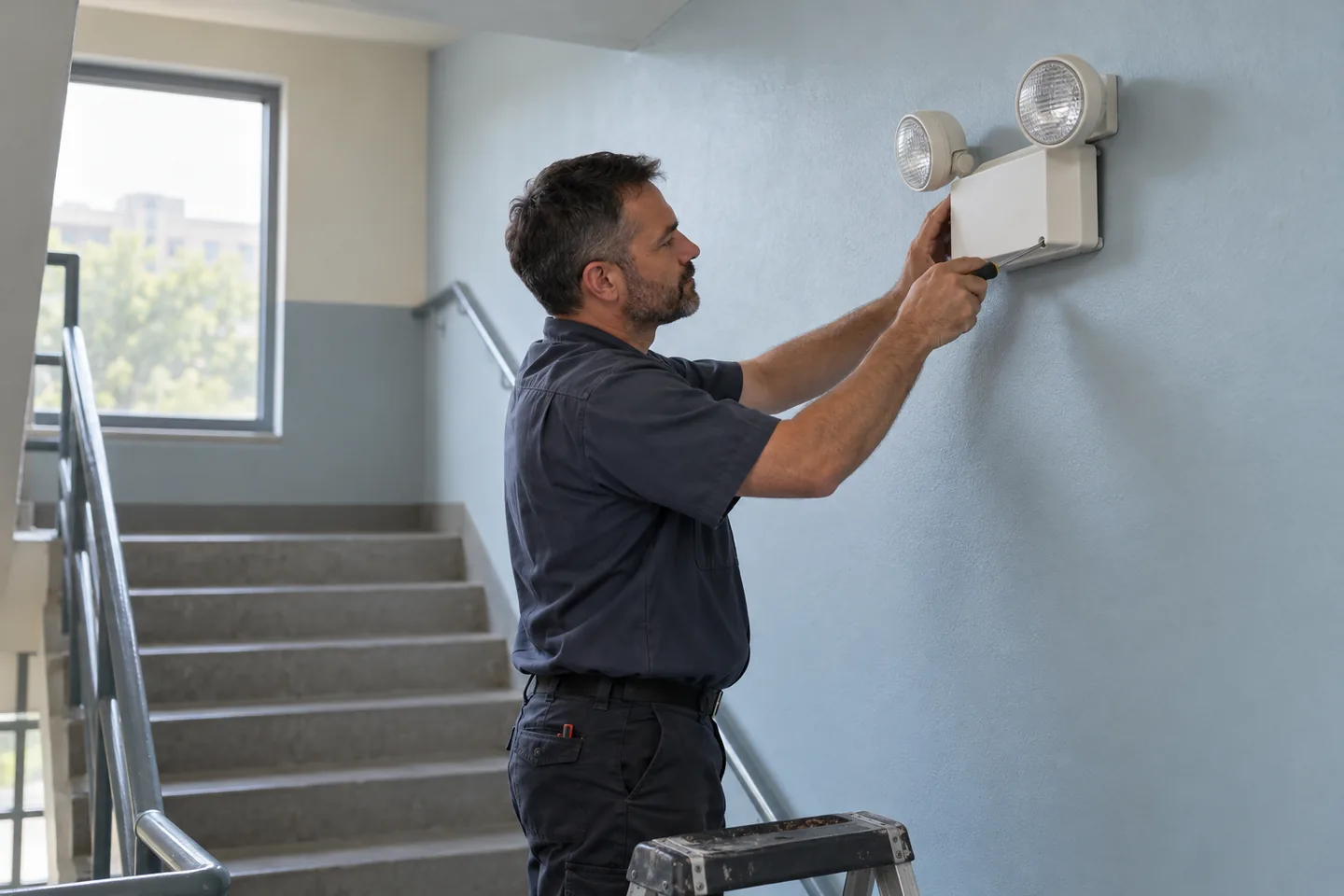
A FAILED CHECK NEEDS A NEXT STEP
Keep compliance corrections separate from routine maintenance, while connecting each repair to the inspection that started it.
Record the inspection result, checklist, and supporting photos at the equipment.
Failed inspections create corrective work orders for assignment and resolution.
Bring the deficiency, correction, and documentation together for review.
MORE THAN AN INSPECTION CHECKLIST
Manage inspections for fire extinguishers, emergency lights, alarms, sprinkler systems, and other equipment.
Centralize Interim Life Safety Measures and Infection Control Risk Assessment documentation, tracking, and communication.
Organize inspection records and reports for NFPA, Joint Commission, and Canadian Fire Code review.
A FEW MORE DETAILS
HeadCount Compliance supports recurring inspections across your facility, including fire extinguishers, emergency lights, HVAC filters, boilers, drinking fountain filters, and elevators. Configure schedules and inspection forms around your equipment and applicable requirements, and keep findings, follow-up work, and equipment records together.
When an inspection identifies a deficiency, HeadCount automatically generates a work order for prompt resolution. These compliance work orders are tracked separately from routine maintenance, ensuring they receive proper attention and documentation. Each work order includes photos, checklists, and a complete audit trail.
Absolutely. HeadCount automatically produces detailed PDF reports at the end of each inspection cycle. These reports organize inspection documentation for NFPA, Joint Commission, and Canadian Fire Code review — giving you audit-ready documentation with complete inspection history at any time.
HeadCount replaces fragmented, manual compliance tracking with a centralized digital platform. Real-time dashboards, automated scheduling, photo documentation, and instant report generation help your team follow schedules, document findings, and retrieve the records needed for review.
Yes. HeadCount assists in managing Interim Life Safety Measures (ILSM) and Infection Control Risk Assessments (ICRA) by providing a central location for documentation, tracking, and communication — so your team can keep related records accessible.
LET’S PUT IT TO WORK
See how compliance fits your team’s day.