YOUR FACILITIES, IN CONTEXT
Know what is happening, where.
Connect the people doing the work to the buildings and equipment they maintain. Open a location on the map, review its history, and see the work behind it.
Explore maps and facility tools ↗HEADCOUNT / Desktop
Plan the work, connect your people, and see what needs attention across every facility. All from your browser.
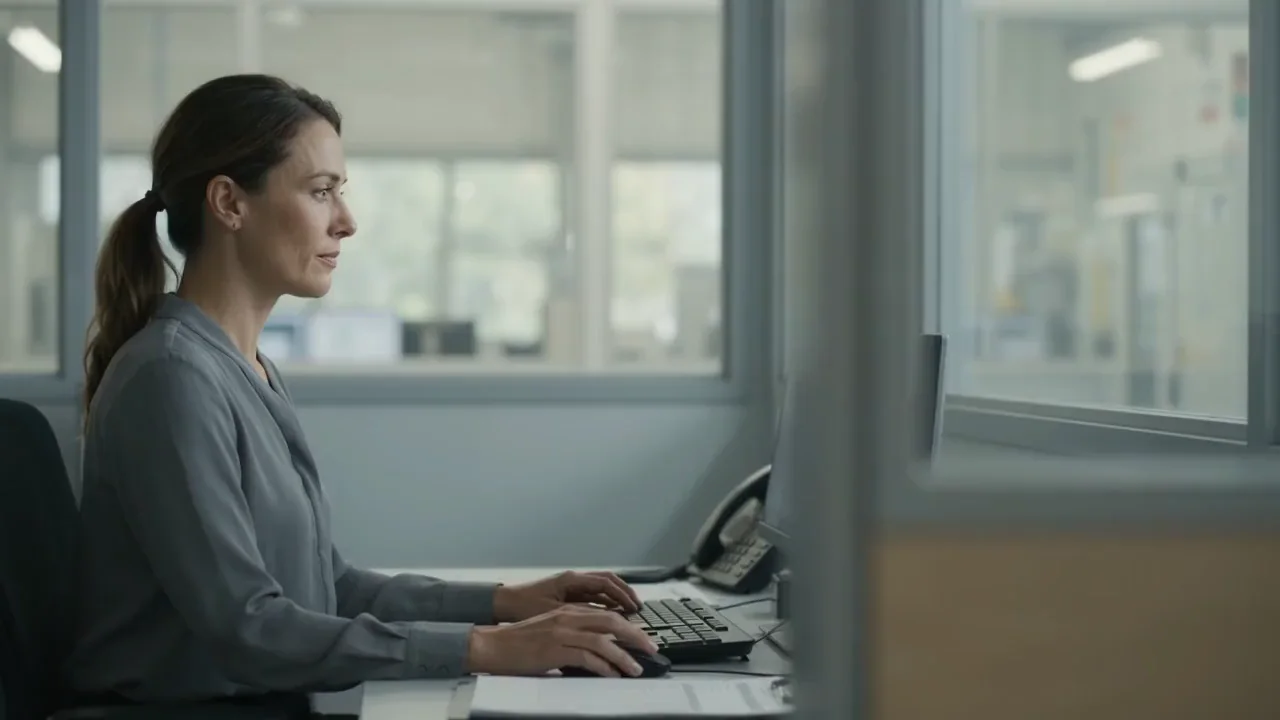
YOUR DESK. EVERY FACILITY.
From the overview to the next assignment.
Workflow: Work to coordinate. Put the next job in motion. The team has the details.YOUR OPERATIONS WORKSPACE
See what is open, what is due, and where your team is working. Move from a facility-wide overview to the job that needs attention.
Swipe to explore
Work orders
WORK ORDER MANAGEMENT
Bring incoming requests, assignments, and progress into one view. Move from spotting an issue to putting the right person on it.
Keep the day moving.
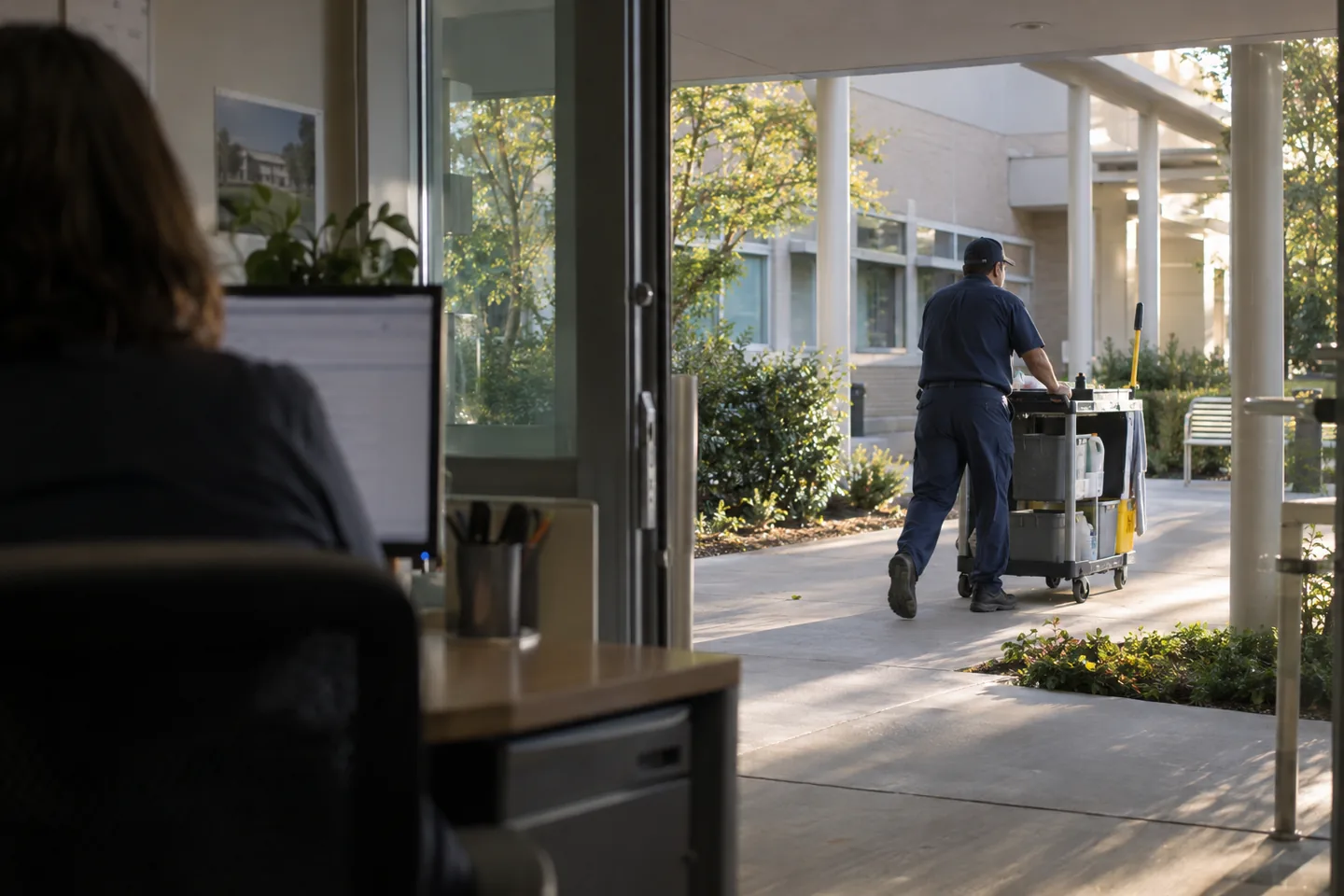
FROM YOUR DESK TO THEIR DAY
Keep a bird’s-eye view of your facilities: work in progress, upcoming maintenance, and the locations that need attention. Use reports and maps to decide where to focus next.
YOUR FACILITIES, IN CONTEXT
Connect the people doing the work to the buildings and equipment they maintain. Open a location on the map, review its history, and see the work behind it.
Explore maps and facility tools ↗TURN THE OVERVIEW INTO ACTION
Bring open work orders, preventive maintenance, and inspection schedules into focus.
Compare activity across facilities and use equipment locations to understand the context.
Assign responsibility, follow progress, and review the completed record from your desk.
A FEW MORE DETAILS
LET’S PUT IT TO WORK
See how desktop fits your team’s day.