SERVICE REQUEST
NewA detail worth capturing.
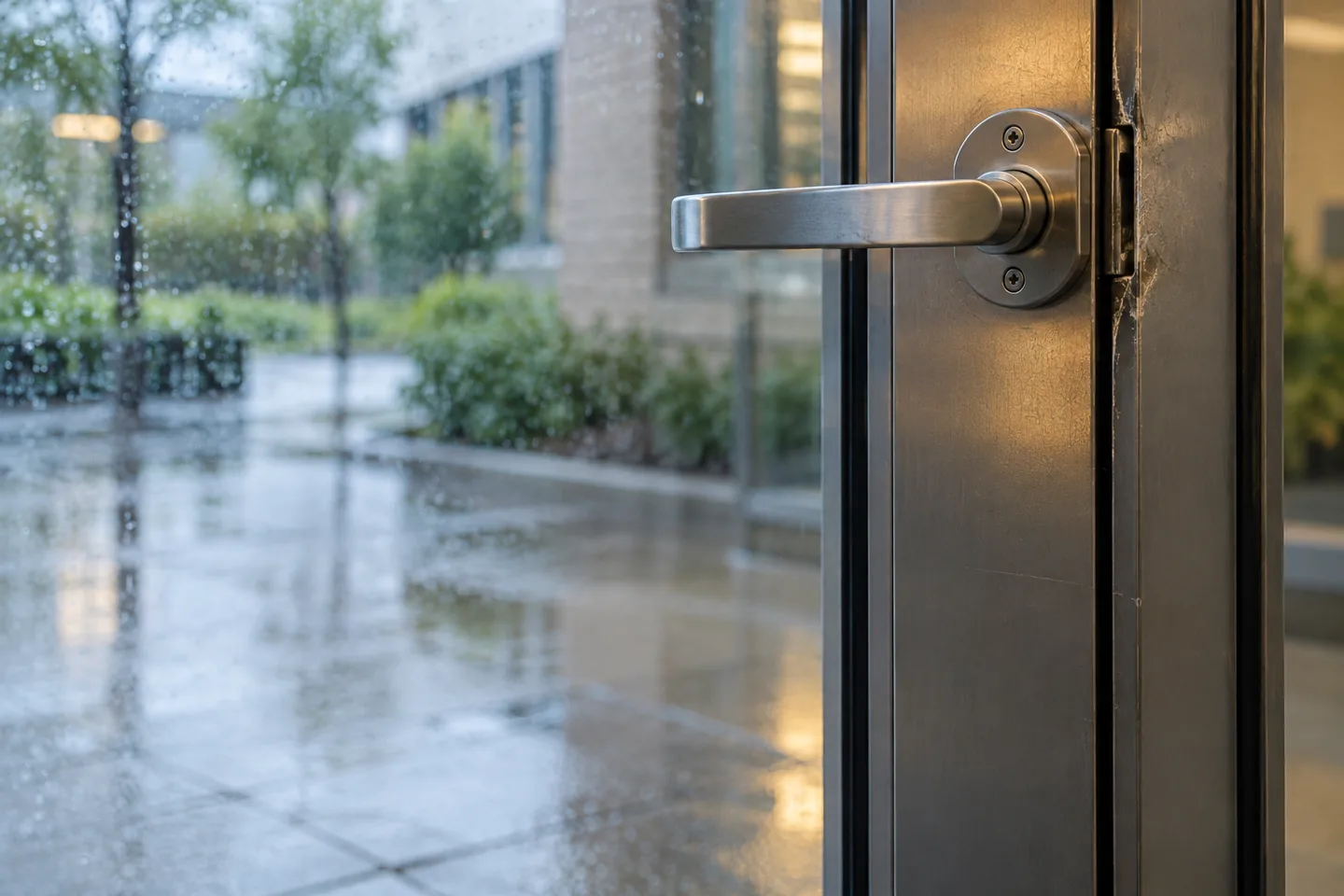
What needs attention?Entrance door is sticking
LocationNorth entrance
CategoryBuilding services
✓ Ready for the facilities team
HEADCOUNT / Tools
Connect forms, floor plans, reports, files, and notifications to the work around them. Useful tools, right where your team needs them.

Forms capture a request, floor plans locate the asset, and reports show the completed work.
A TOOLKIT THAT WORKS TOGETHER
The everyday tools that connect what someone notices to what your team does next.
Swipe to explore
Capture
Build forms for the way your team works, from an inspection checklist to a service request anyone can submit.
Connect the work to a real location. Use your floor plans to find equipment and understand what is happening around it.
Give your team a shared place for updates, files, and the small details that make the next step easier.
Use dashboards and reports to see the work across your facilities, then share the information your team needs.
 HeadCountForms
A small observation becomes something actionable.
 The details, together.Connected
EVERY DETAIL, WITH THE WORK
A request is more useful when the location, conversation, and supporting information stay connected. Give your team a shared starting point.
Forms and public requests collect the details your team needs to get started.
Use organized file storage, searchable messages, and notifications to keep people informed.
Dashboards and scheduled reports help turn everyday activity into a useful overview.
A FEW MORE DETAILS
LET’S PUT IT TO WORK
See how these tools fit your team’s day.